5 Easy Steps to Customize Windows Desktop Settings
5 easy steps to customize windows desktop settings wallpaper screen saver and date time

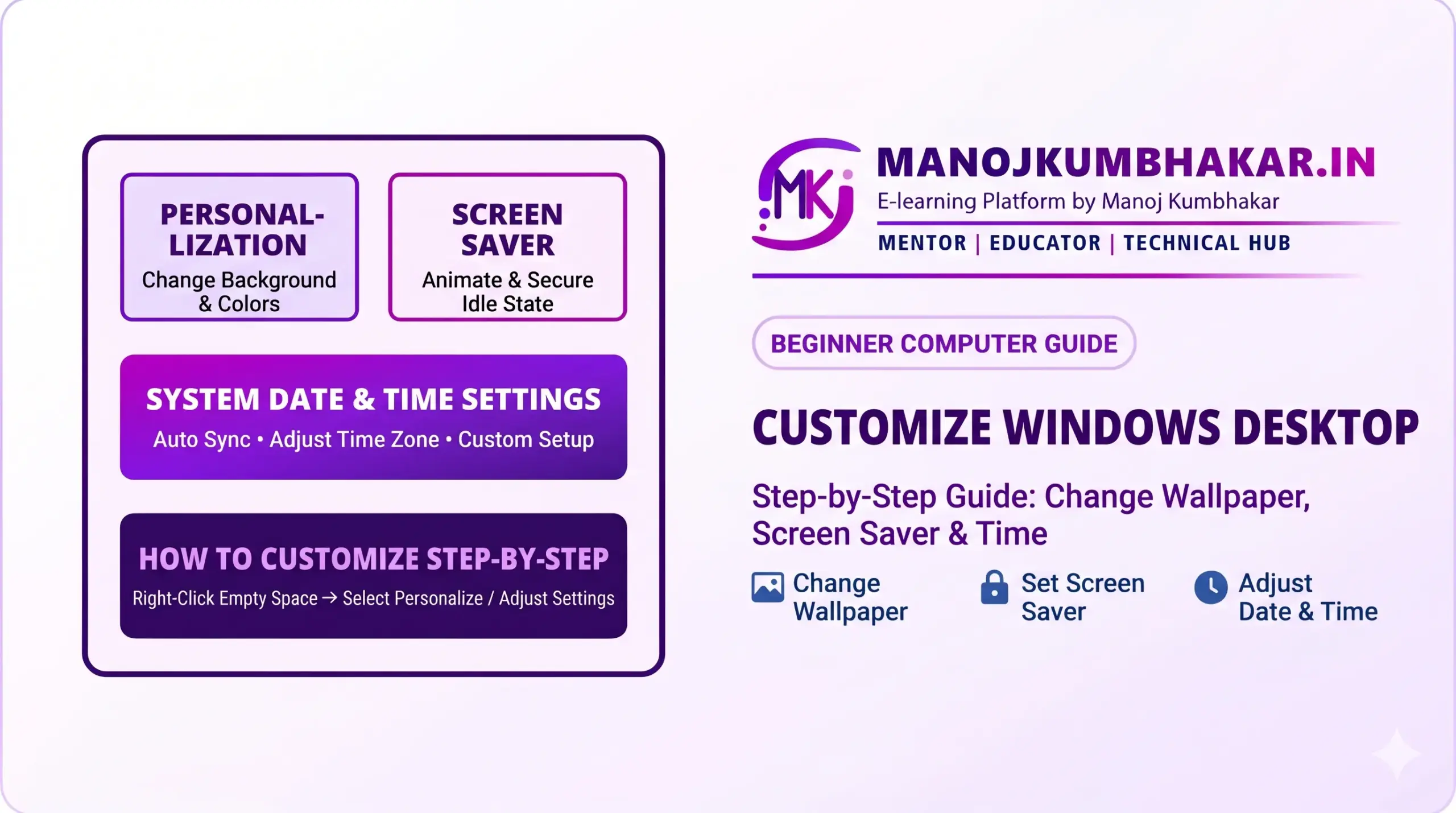
Home » Computer Basic » Windows Desktop Settings Guide Staring at the exact same default blue computer screen every single day feels dull—and worse, when your taskbar clock shows the wrong time, websites refuse to load security certificates and scheduled reminders fire late. Knowing how to customize windows desktop settings transforms a plain factory PC … Read more
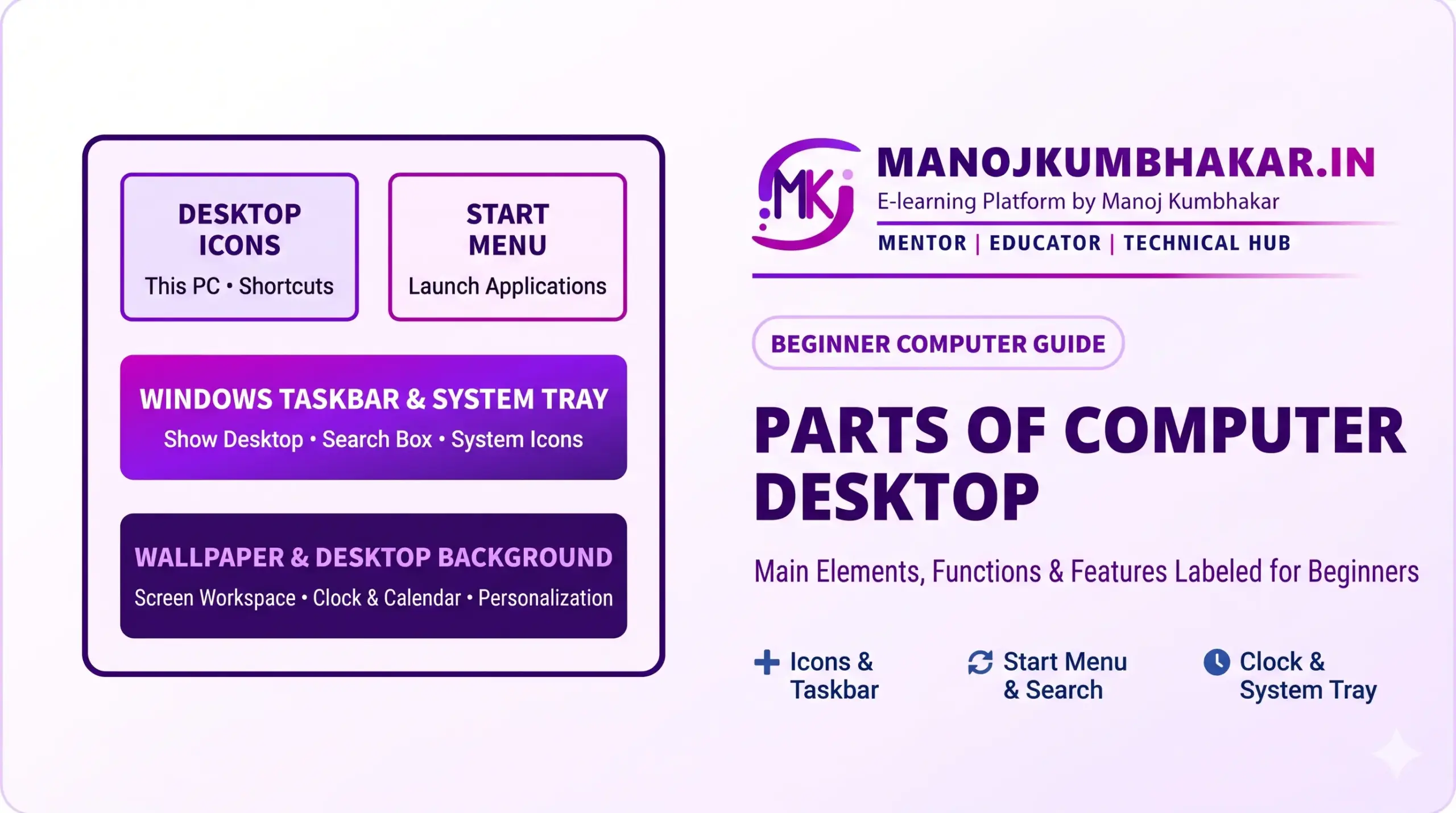
Parts of Computer Desktop

7 essential parts of computer desktop explained for beginners

Home » Computer Basic » Desktop Workspace Guide When you turn on your Windows PC and log in, the very first screen that welcomes you is the desktop. Understanding the parts of computer desktop interfaces is a foundational skill for every beginner learning how to navigate files, launch applications, and manage system tools efficiently. Think … Read more

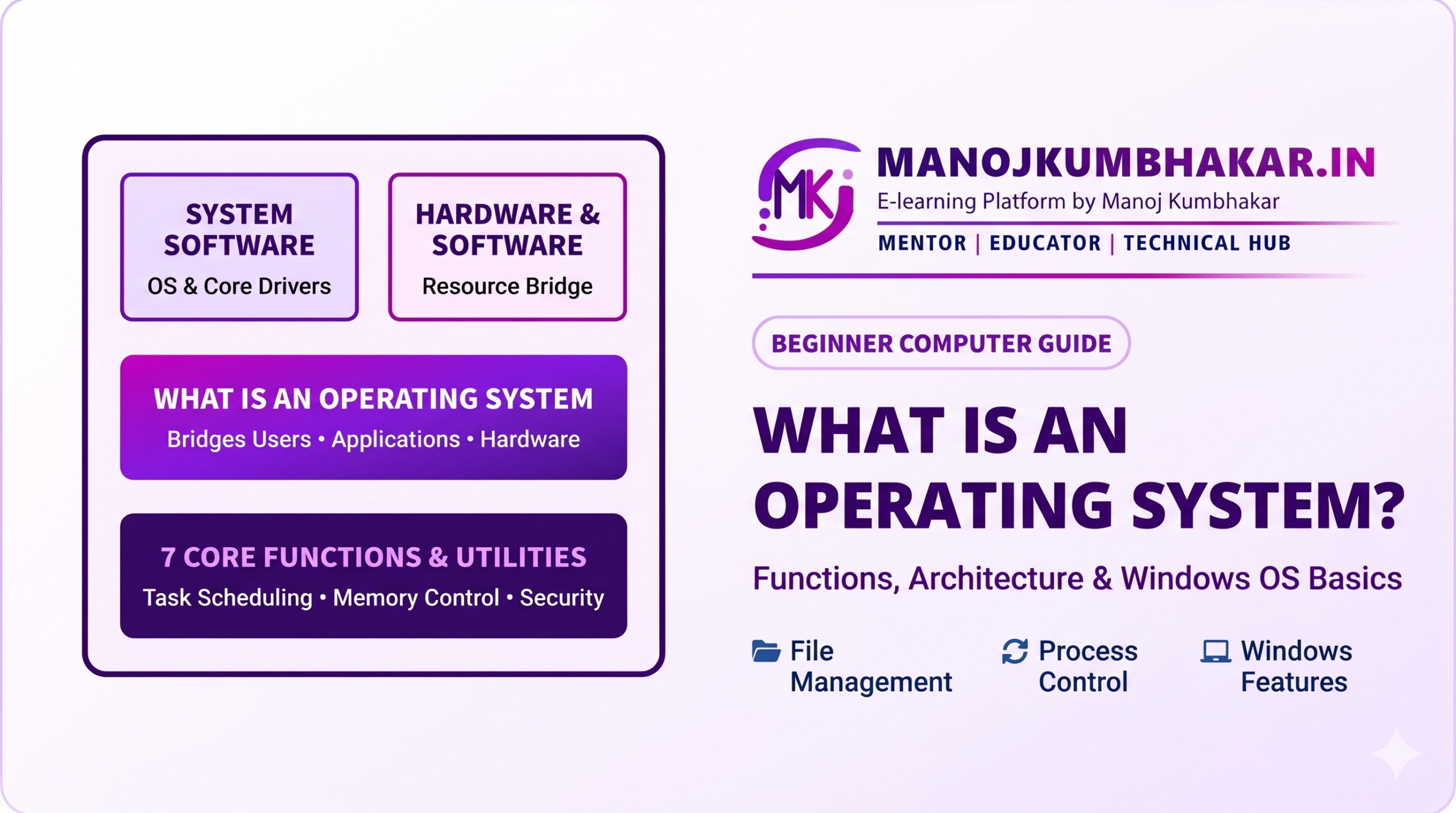
What is an Operating System?

what is an operating system and Windows basics guide

Home » Computer Basic » Operating System & Windows Guide If you are starting your journey in computer education, understanding what is an operating system is the most important foundational step. Without this core system software, a computer is simply an unresponsive collection of plastic, silicon chips, and metal circuits. Every time you press the … Read more

Uses of Computer

Uses of computer in daily life education business and medicine - Manoj Kumbhakar

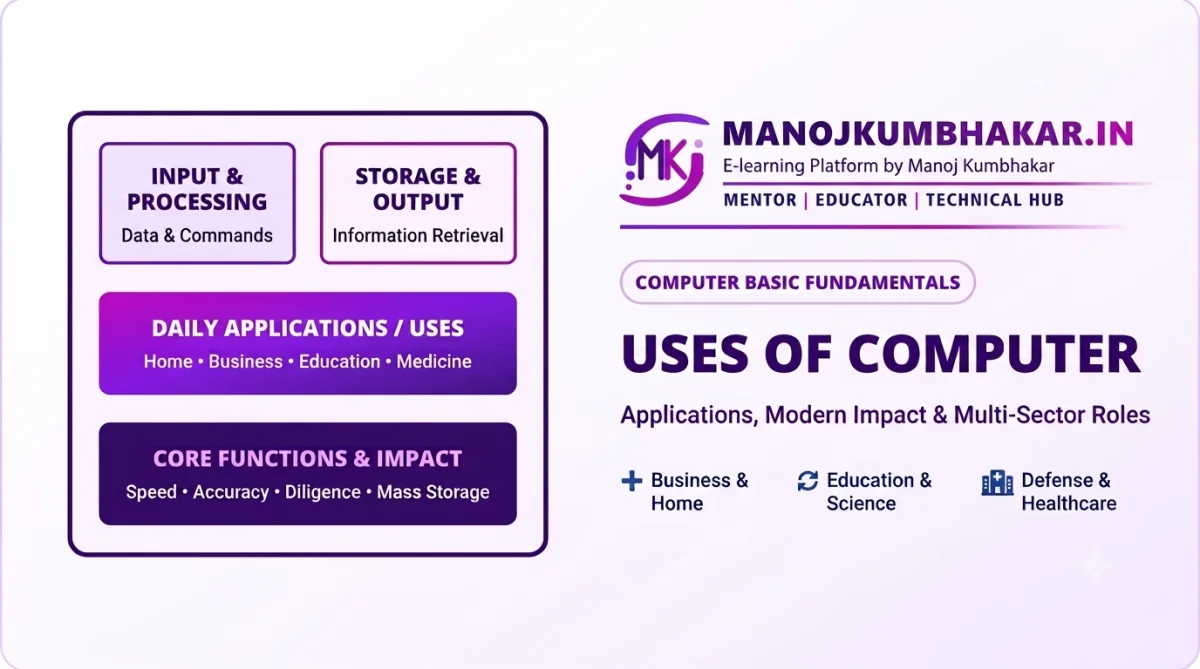
Home » Computer Basic » Uses of Computer In today’s digital era, the versatile uses of computer technology have completely transformed how humans work, learn, communicate, and solve real-world challenges. From basic household budgeting to operating satellites in deep space, computers have evolved from bulky calculating devices into compact, ultra-fast tools that power our modern … Read more

TOP 10 Advantages and Disadvantages of Computers

The computer is a programmable device with a lot of instructions to complete a specific job and generate results instantly. The computer is an electronic machine that can resolve difficult and different problems, process the input data, store the data for future uses, and perform calculations faster and more accurately as compared to humans. The … Read more

Computer Basics and Fundamentals

Computer Basics and Fundamentals

Home » Computer Basic » Computer Basics and Fundamentals Mastering computer basics and fundamentals is the critical first milestone for school students, higher secondary board examinees, and entry-level IT professionals. A solid understanding of computational principles explains how electronic microprocessors process unorganized data into structured information. This comprehensive tutorial covers essential concepts including the Input-Process-Output … Read more

Computer Basics Architecture

Computer Basics Architecture, CPU & Memory Hierarchy Guide

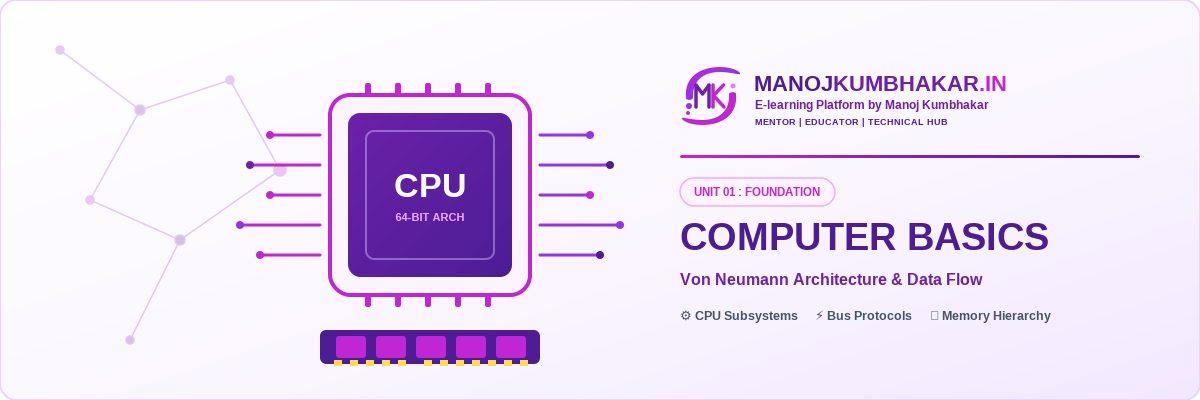
Home » Computer Basic » Computer Basics Architecture Understanding computer basics architecture is an essential requirement for school students, higher secondary board candidates, and aspiring IT systems administrators. Every modern digital device—from desktop computer units to enterprise virtualization servers—operates according to unified engineering guidelines. Studying computer basics architecture helps examinees understand how raw electrical currents … Read more

How to open notepad application

This is the sample post 2 Choose Grid view. Toggle Display featured image on. Set number of posts to 6. This ensures that as soon as you publish your first 20 articles, your homepage dynamically shows your fresh content to Google crawlers and visitors.