
Imagine sitting in an office or school computer lab with twenty computers, one printer, and a single internet router. Without a network, you would have to copy files onto a USB pen drive and walk from desk to desk just to print a single page or share a document. Every message you send on WhatsApp, every video you stream, and every online exam you take depends on invisible digital highways linking devices together.
If you want to understand what is computer network, how devices connect to share data, the core differences between LAN, MAN, and WAN, and how wired cables and wireless Wi-Fi signals carry your information, this beginner-friendly guide explains it all in simple words with clear visual diagrams.
Table of Contents
1. What is Computer Network? (Simple Definition)
In simple terms, what is computer network? A computer network is a group of two or more computers, smartphones, printers, or servers connected together so they can communicate, exchange files, and share hardware resources like printers and internet connections.
Think of a computer network like a road system connecting different houses in a town:
- Nodes (Devices): Every computer, laptop, smartphone, or printer connected to the network is called a node.
- Links (Transmission Media): The physical cables or wireless radio waves connecting those devices act as the roads.
- Protocols (Traffic Rules): Communication rules such as TCP/IP and HTTP/HTTPS make sure data packets travel safely to the exact right device without crashing into each other.
To see how millions of smaller networks join together globally, read our visual guide on What is Internet and How Does It Work.
2. How Does a Computer Network Connect? (Step-by-Step Flow)
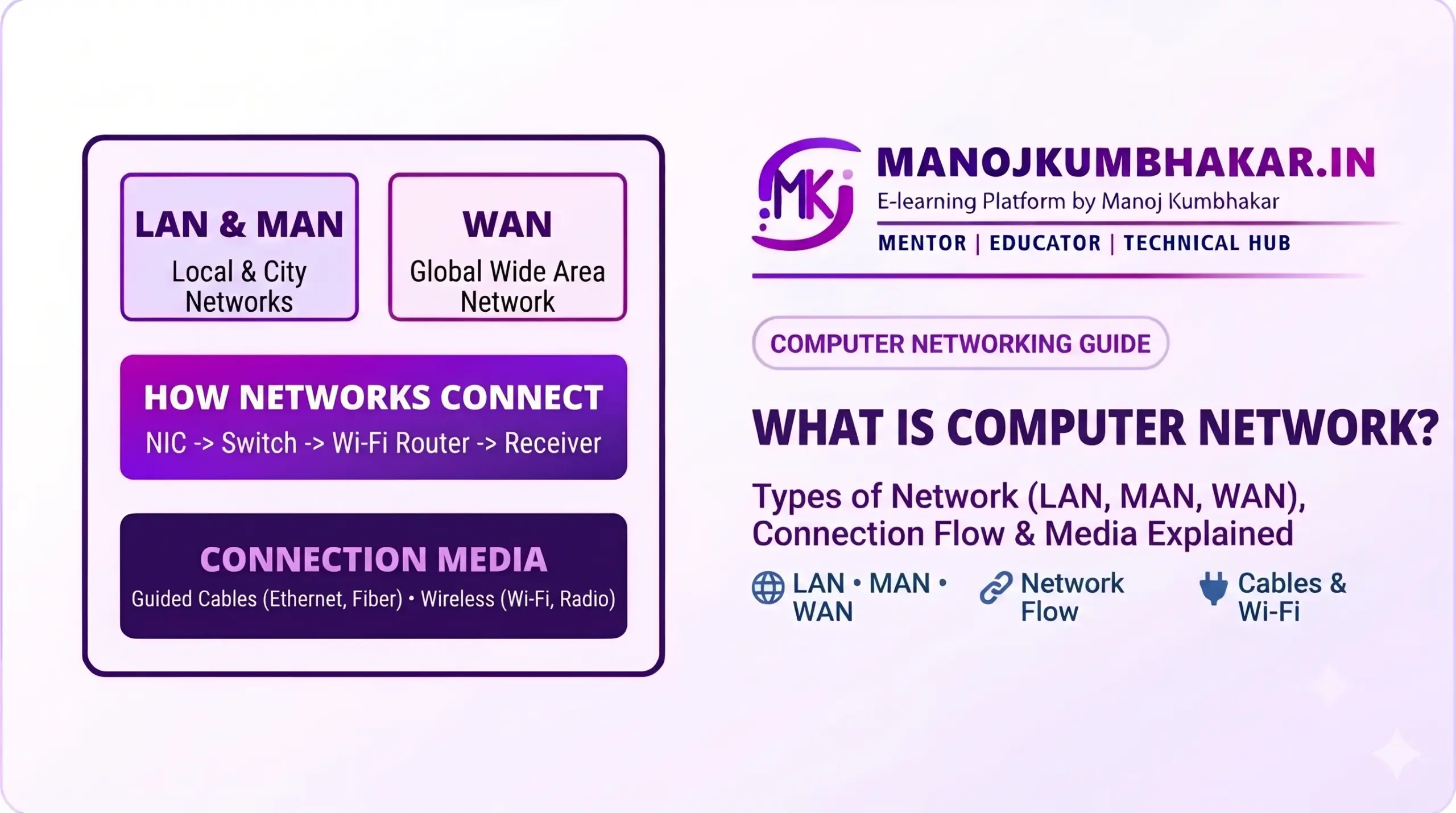
Whether you are connecting two laptops at home or fifty computers in a college lab, a network connects devices through four essential stages—from your device’s network card to a central switch or router and out to other devices.
How Devices Connect & Share Data Inside a Network
- Network Interface Card (NIC): Every modern computer and phone has a built-in wired Ethernet port or wireless Wi-Fi chip (NIC) that prepares data for transmission.
- Switch (Local Traffic Controller): Inside an office or school lab, multiple computers plug into a Network Switch, which delivers data directly to the intended computer on the same local network.
- Router (Gateway & Wi-Fi Broadcaster): A Router connects your local devices to the outside Internet, assigns local IP addresses, and broadcasts wireless Wi-Fi signals across your room or home.
- Modem / ISP Connection: Your router connects to an Internet Service Provider (ISP) via fiber-optic or broadband lines to reach global servers.
3. Types of Computer Network: LAN, MAN & WAN
Computer networks are classified mainly by the geographical distance they cover. When studying what is computer network for exams or IT fundamentals, the three primary network types are LAN, MAN, and WAN:
Network Scale Comparison: LAN vs. MAN vs. WAN
- 1. LAN (Local Area Network): A LAN connects computers and devices within a small, limited area such as a home, school computer lab, hospital floor, or single office building. Because devices sit close together, LANs offer the highest data transfer speeds and lowest setup cost.
- 2. MAN (Metropolitan Area Network): A MAN spans a larger area than a LAN—typically connecting multiple buildings across a single town, university campus, or metropolitan city (5 km to 50 km). City-wide cable broadband networks and interconnected bank branches within one city are classic examples of a MAN.
- 3. WAN (Wide Area Network): A WAN covers vast geographical distances across states, countries, and continents by linking multiple LANs and MANs together using undersea fiber-optic cables, telecom backbones, and satellites. The Internet is the world’s largest WAN.
4. Quick Comparison Table: LAN vs. MAN vs. WAN
| Feature | LAN (Local Area Network) | MAN (Metropolitan Area Network) | WAN (Wide Area Network) |
|---|---|---|---|
| Coverage Area | Room, home, or single building (up to 1 km) | Entire city or large campus (5–50 km) | Countries, continents, or global |
| Ownership | Private (individual, school, or company) | Private or public (telecom / city authority) | Collective / Telecom carriers (ISPs) |
| Data Speed | Fastest (100 Mbps to 10 Gbps+) | High (100 Mbps to 1 Gbps+) | Moderate to High (depends on ISP/distance) |
| Setup & Maintenance | Easy and inexpensive | Moderate complexity and cost | Complex and expensive |
| Common Examples | Home Wi-Fi, office network, school lab | City cable TV network, municipal Wi-Fi | The Internet, national banking networks |
5. Network Connection Media: Wired Cables vs. Wireless Radio/Wi-Fi
For data to travel from one device to another, it needs a physical or wireless pathway called transmission media (or network connection media). All network connections fall into two main categories:
Network Connection Media: Wired Cables vs. Wireless Signals
A. Guided Media (Wired Network Cables)
Guided media uses physical cables to carry electrical signals or pulses of light directly from one device to another:
- Twisted-Pair Cable (Ethernet / Cat5e / Cat6): The most common LAN cable used to connect desktop PCs, switches, and routers. Pairs of copper wires are twisted together to reduce electrical interference.
- Coaxial Cable: Features a central copper wire surrounded by insulation and a braided metal shield—commonly used for cable television and broadband internet modems.
- Fiber-Optic Cable: Uses ultra-thin strands of pure glass or plastic to transmit data as pulses of light at nearly the speed of light. Fiber-optic cables power high-speed home broadband and undersea internet backbones.
B. Unguided Media (Wireless Radio & Wi-Fi)
Unguided media transmits data through the air using electromagnetic waves without physical wires:
- Wi-Fi (Wireless Fidelity): Uses high-frequency radio waves (typically 2.4 GHz for wider wall penetration and 5 GHz for faster speeds) to connect laptops, phones, and smart TVs to a local wireless router.
- Radio Waves & Cellular Networks (4G / 5G): Radio waves travel long distances and pass through walls easily, powering FM radio, mobile phone towers, and wireless wide-area connections.
- Bluetooth & Microwaves: Bluetooth uses short-range radio waves (up to 10 meters) to connect wireless headphones, keyboards, and mice, while satellite microwaves beam internet signals to remote areas.
For technical standards governing Ethernet and Wi-Fi wireless networking, you can explore the IEEE 802.11 Wireless Networking Standards.
6. Frequently Asked Questions (FAQs)
What is computer network in one simple sentence?
A computer network is two or more computers or devices connected via cables or wireless Wi-Fi to share files, printers, and an internet connection.
What is the main difference between LAN, MAN, and WAN?
LAN covers a small area like a home or office building, MAN covers an entire city or town, and WAN spans countries and continents (such as the global Internet).
Which is faster and more reliable: Ethernet cable or Wi-Fi?
A wired Ethernet cable (Cat6) or Fiber-Optic connection is faster, more stable, and less prone to wall interference than wireless Wi-Fi, though Wi-Fi offers unmatched convenience for phones and laptops.
What is the difference between a Switch and a Router in a network?
A Switch connects multiple computers together inside a single local network (LAN), while a Router connects your local network to external networks and the Internet.