
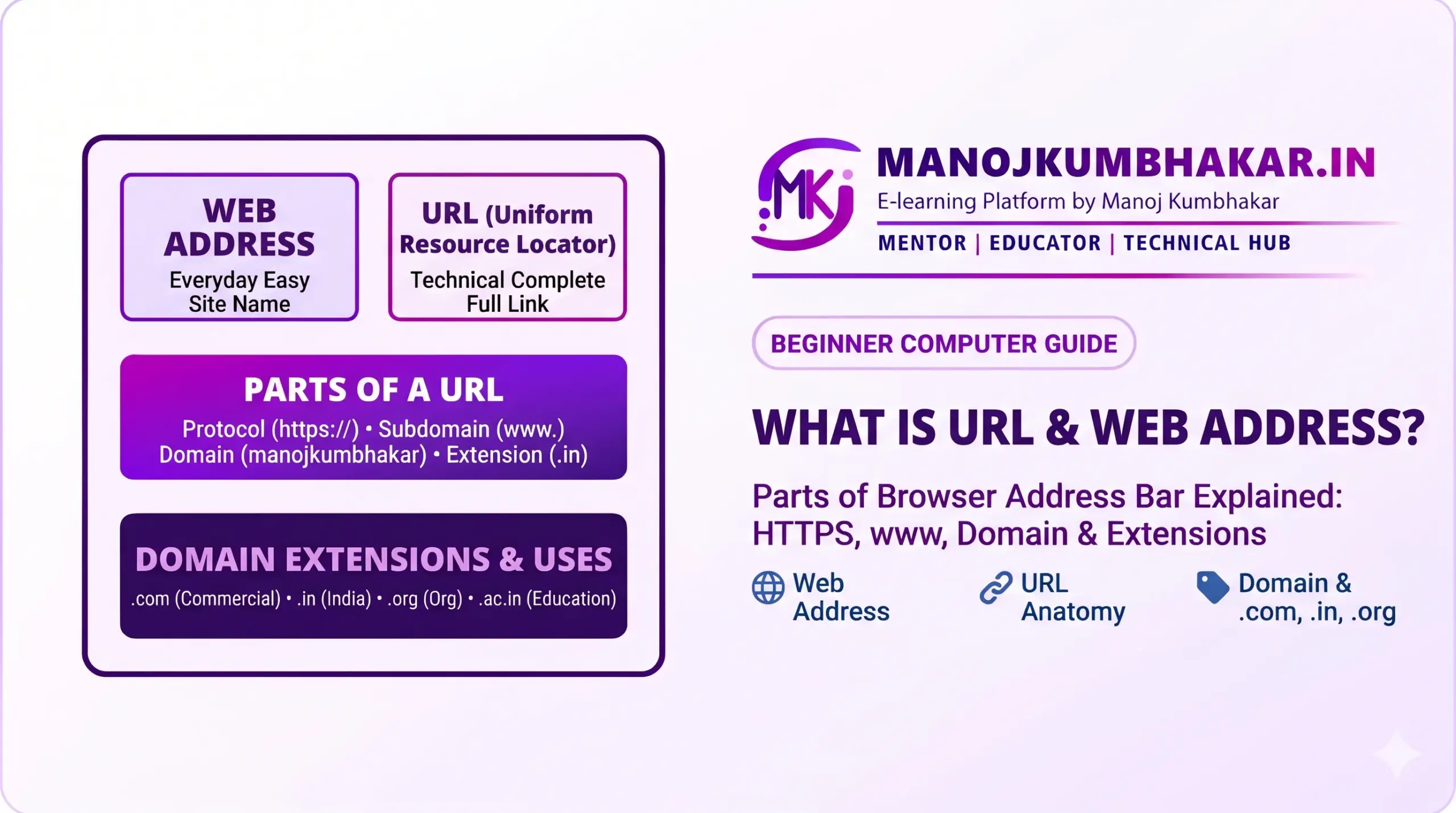
Look at the very top of your screen right now. Inside that narrow white bar sits a string of letters, slashes, and dots—https://www.manojkumbhakar.in. Millions of people type into this box every single day, yet very few know what each hidden piece actually tells the internet to do or how a single missing letter can send you to a fake website.
If you want to understand what is url and web address, how the browser address bar works, and what endings like .com, .in, .org, and .ac.in mean, you are in the right place. In this visual, beginner-friendly guide, we break down every single part of a web address in plain English so you can browse smarter and safer.
Table of Contents
- 1. What is a Browser Address Bar?
- 2. What is a Web Address & What is URL?
- 3. Visual Breakdown: Parts of a URL (https, www, Domain & Extension)
- 4. Every Part of a URL Explained in Simple Words
- 5. What is a Domain Name?
- 6. What Are .com, .in, .org, .ac.in & Other Extensions?
- 7. Frequently Asked Questions (FAQs)
1. What is a Browser Address Bar?
The browser address bar (also called the location bar or URL bar) is the long horizontal text box located near the top of every web browser window—such as Google Chrome, Microsoft Edge, Apple Safari, or Mozilla Firefox.
It serves three everyday jobs on your computer or smartphone:
- Direct Navigation: When you type an exact website address (like
manojkumbhakar.in) and press Enter, the address bar takes you straight to that specific website. - Quick Search Box: When you type normal words or a question (like “what is operating system”), modern address bars automatically send your words to your default search engine (such as Google Search).
- Security Indicator: The small padlock icon on the left side of the address bar warns you whether your connection to the website is encrypted and safe.
If you are new to how browsers work behind the scenes, read our step-by-step lesson on What is Web Browser and How Does It Work.
2. What is a Web Address & What is URL?
To understand what is url and web address without confusing jargon, think of your home street address. Just as a postal worker needs your house number, street name, city, and PIN/ZIP code to deliver a parcel to your door, your web browser needs an exact digital address to find a webpage among billions of files online.
- What is a Web Address? A web address is the everyday, plain-English name for the unique location of a website or specific page on the Internet.
- What is a URL? URL stands for Uniform Resource Locator. It is the official technical term for a complete web address—including the security protocol (
https://), the domain name (manojkumbhakar.in), and any specific page folder path (such as/study-notes/).
3. Visual Breakdown: Parts of a URL Inside the Browser Address Bar
Look closely at the outline diagram below to see how a real browser address bar displays and separates each part of a URL:
Anatomy of a Browser Address Bar & URL
4. Every Part of a URL Explained in Simple Words
Now that you see how the full link sits inside the address bar, let us examine each building block of https://www.manojkumbhakar.in/study-notes/ one by one:
https://(The Security Protocol):
HTTPS stands for HyperText Transfer Protocol Secure. It sets the communication rules between your browser and the web server. The letter “S” at the end is critical—it means all data sent between your device and the website is encrypted so hackers cannot read your passwords or personal information. Older, unencrypted websites usedhttp://without the “S”.www.(The Subdomain):
WWW stands for World Wide Web. It acts as a traditional prefix (subdomain) telling the server that you are requesting standard web pages. Today, most modern websites work identically whether you typewww.or skip it.manojkumbhakar(The Second-Level Domain Name):
This is the unique, memorable brand or website name chosen by the website owner so visitors do not have to memorize complicated numerical IP addresses..in(The Top-Level Domain / Extension):
The ending after the final dot—such as.in,.com, or.org—is called the Top-Level Domain (TLD). It tells browsers and visitors what category or country the website belongs to./study-notes/(The Page Path):
Everything after the single forward slash (/) points to a specific article, folder, or file stored inside that website.
5. What is a Domain Name?
A domain name (such as manojkumbhakar.in or google.com) is the human-friendly name of a website on the Internet. Behind the scenes, every web server is actually identified by a string of numbers called an IP Address (for example, 192.0.2.44).
Because humans remember words much better than long strings of numbers, the Domain Name System (DNS) acts like a global phonebook—translating the domain name you type into the server’s numerical IP address in milliseconds. Learn more about how DNS connects servers worldwide in our guide on What is Internet and How Does It Work.
6. What Are .com, .in, .org, .ac.in & Other Extensions?
When you look at the end of a web address, the domain extension reveals whether a site is a global business, an Indian platform, a non-profit organization, a university, or a government portal. Here are the most important domain extensions and their uses:
| Domain Extension | Full Meaning | Primary Purpose & Who Uses It | Real-World Example |
|---|---|---|---|
| .com | Commercial | The world’s most popular extension, used by businesses, global brands, blogs, and commercial websites. | google.com, amazon.com |
| .in | India (Country-Code TLD) | Official country-code extension for India—widely used by Indian educators, startups, companies, and creators. | manojkumbhakar.in |
| .org | Organization | Originally created for non-profit organizations, charities, open-source projects, and educational communities. | wikipedia.org |
| .ac.in | Academic (India) | Restricted exclusively to accredited universities, colleges, and academic research institutions in India. | iitkgp.ac.in |
| .edu | Education | Reserved for recognized universities, colleges, and educational institutions (primarily in the US and globally). | harvard.edu |
| .gov / .gov.in | Government | Strictly restricted to official government departments, ministries, and public agencies. | india.gov.in, usa.gov |
| .net | Network | Originally intended for internet service providers and networking infrastructure companies, now also used by tech platforms. | speedtest.net |
| .co.in | Commercial (India) | Used by commercial businesses and registered companies operating in India. | amazon.co.in |
Global domain extensions and country codes are coordinated internationally by the Internet Corporation for Assigned Names and Numbers (ICANN).
7. Frequently Asked Questions (FAQs)
What is the difference between a URL and a Domain Name?
A domain name is just the main website name (such as manojkumbhakar.in), whereas a URL is the complete web address including the protocol and specific page path (such as https://www.manojkumbhakar.in/study-notes/).
Do I always need to type https:// and www. in the browser address bar?
No. Modern browsers like Chrome, Edge, and Safari automatically add https:// and redirect www. behind the scenes—so typing manojkumbhakar.in is enough to open the site.
What is the difference between .in and .ac.in?
Any individual, creator, or business can register a .in domain name, while .ac.in is restricted strictly to verified Indian universities, colleges, and academic institutions.
Why should I check the browser address bar before entering passwords?
Scammers often create fake websites with slightly misspelled domain names (for example, g00gle.com instead of google.com) or missing https:// encryption. Checking the address bar confirms you are on the real, secure website.